Every admin console, vendor portal and runbook — for every client
A technician at a managed service provider opens dozens of consoles a day: each client’s Microsoft 365 and Google admin, firewalls, backup dashboards, licensing and distributor portals, the PSA, the RMM, vendor status pages and a KB article for every recurring issue. Internal IT teams face the same sprawl for one company. Linkbry puts those links in one searchable library, with go links for the ones you type every hour.
Last updated
In short
Use Linkbry as the link layer for IT work: a folder per client with its admin consoles and portals, go links like go/acme-m365, runbooks and KB articles searchable by note and page text, ticket reply snippets inserted with ;;, and folders restricted to the technicians on each account. Pro adds OIDC single sign-on, SCIM provisioning and an exportable audit log. It doesn’t store passwords or replace IT documentation tools.
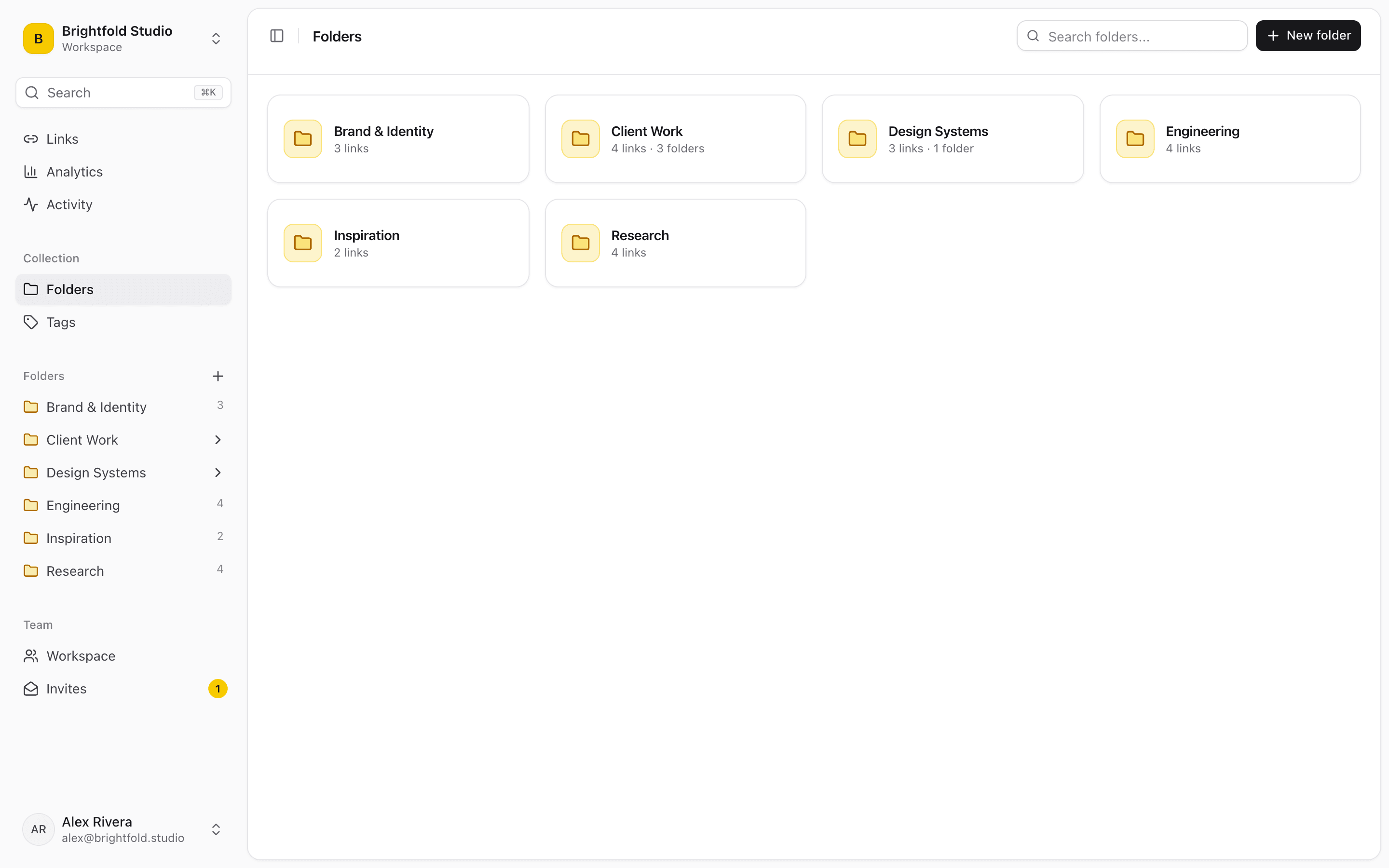
What MSPs and IT teams use Linkbry for
A folder per client
Admin consoles, tenant portals, firewall and backup dashboards, the client’s own systems and their vendor contacts, all in one folder a technician can open in seconds.
Go links for daily consoles
go/acme-m365, go/psa, go/rmm — aliases that open from the address bar with the extension. Extra path is passed through, so go/kb/1234 can land on a specific article.
Runbooks and KB articles
Procedures and fixes with notes on when they apply, searchable by note and by the text of saved pages. Owners and review dates keep procedures from quietly going stale.
Vendor and distributor portals
Licensing, distributor, warranty and support portals in one shared folder, so nobody keeps their own list.
Ticket replies
Snippets for common replies and instructions, with the right KB link, inserted into the PSA or email with ;; in the browser.
A client-facing IT page
Give each client a branded page with how to raise a ticket, the status page, self-help guides and onboarding links for their new staff.
Where IT links live today
IT work has plenty of systems of record, and the links between them still end up in people’s browsers.
- Per-technician bookmarks that don’t survive a laptop swap
- Client portals listed in a documentation tool nobody wants to open for a URL
- Runbook links pasted into tickets and never found again
- Vendor portals known only by the person who set them up
Keep clients separate
Owners can restrict a client’s folder, and everything under it, to the technicians who work that account; everyone else can’t see it in search, the ;; picker, exports or go links. Links can also be private to one person. The activity feed records who added or changed what, and owners can download the audit log as CSV.
Identity and access on Pro
Pro workspaces can use single sign-on with any OpenID Connect provider — Entra ID, Okta, Google Workspace and others — optionally enforced for your email domain, and SCIM 2.0 provisioning to add and remove members automatically. SAML isn’t supported.
Not a password manager or documentation platform
Linkbry stores links, notes and snippets; it isn’t built to hold credentials, so never put passwords or secrets in notes or snippets. It also doesn’t track assets, configurations or contracts the way IT documentation tools do. Use it as the fast, searchable layer of links next to your documentation, password manager, PSA and RMM.
Pricing
Technicians who add and organize links are $10 a month each on Pro, or $100 a year. Staff who only need to read and open links can be free viewers.
A starter workspace for an MSP
| Folder | What goes in it | Who sees it |
|---|---|---|
| Clients / Acme | Admin consoles, tenant portals, firewall and backup dashboards, vendor contacts | Acme’s technicians (restricted folder) |
| Clients / Acme / IT page | How to raise a ticket, status page, self-help guides, new-starter links | Acme staff, via a branded page |
| Tools | PSA, RMM, backup, security and monitoring consoles, with go links | All technicians |
| Runbooks | Procedures and KB articles, each with an owner and review date | All technicians |
| Vendors | Licensing, distributor, warranty and support portals | All technicians |
Frequently asked questions
No. Those are documentation platforms for assets, configurations and credentials. Linkbry is a shared library of links, notes and snippets with go links and fast search — many teams use it next to a documentation tool.
Don’t. Linkbry isn’t a password manager. Keep credentials in one and link to the password manager’s entry if you need to.
Yes, on Pro: OpenID Connect with providers such as Entra ID, Okta and Google Workspace, plus SCIM provisioning. SAML isn’t supported.
Yes. Owners restrict each client folder to named members; others can’t see it anywhere in Linkbry.
Start organizing your links today
Free forever for one person. No credit card needed.