One resource page for every affiliate and partner, always current
Affiliate managers and partner teams spend a surprising share of the week re-sending the same links: the brand guidelines, the banner pack, the landing pages to promote, the tracking-link how-to, this month’s promo calendar. Linkbry turns those into a branded resource page each partner bookmarks, and keeps the team’s own program links — applications, partner sites, compliance checks — organized behind it.
Last updated
In short
Build your affiliate resource center in Linkbry: creatives, brand assets, landing pages, program terms and promo calendars in shared folders, published as a branded, optionally password-protected page per partner tier, with views and clicks per link. Behind it, the team keeps partner sites, applications and compliance reviews in restricted folders. It sits next to your affiliate platform — it doesn’t track referrals or pay commissions.
What affiliate and partner teams use Linkbry for
An affiliate resource center
Brand guidelines, logo and banner files, product images, landing pages to promote and the tracking-link how-to on one branded page. Update a folder and every partner’s page is current.
Partner onboarding
A welcome page for new affiliates: program terms, the platform sign-in, how to build tracking links, content rules, the first-month checklist and who to contact.
Pages per tier or campaign
A password-protected page for top partners with early access material, and a seasonal campaign page that expires when the promotion ends.
Knowing which assets get used
Share stats show page views and clicks per link, so you can see which creatives and landing pages partners actually pick up.
Compliance reviews
Save partner pages you need to check with a note on what you found, and give them a review interval so re-audits come round on schedule.
The partner team’s own library
Network dashboards, applications, partner sites, outreach snippets and contracts in restricted folders, searchable and insertable with ;; while you write partner emails.
Why partner resources go stale
Most programs start with a PDF media kit and a folder link, and both drift the moment anything changes.
- Media kits emailed as attachments that can’t be updated
- A shared drive partners need access requests for
- Old banners and retired landing pages still circulating
- The same “where’s the logo?” email every week
A branded page instead of a media kit
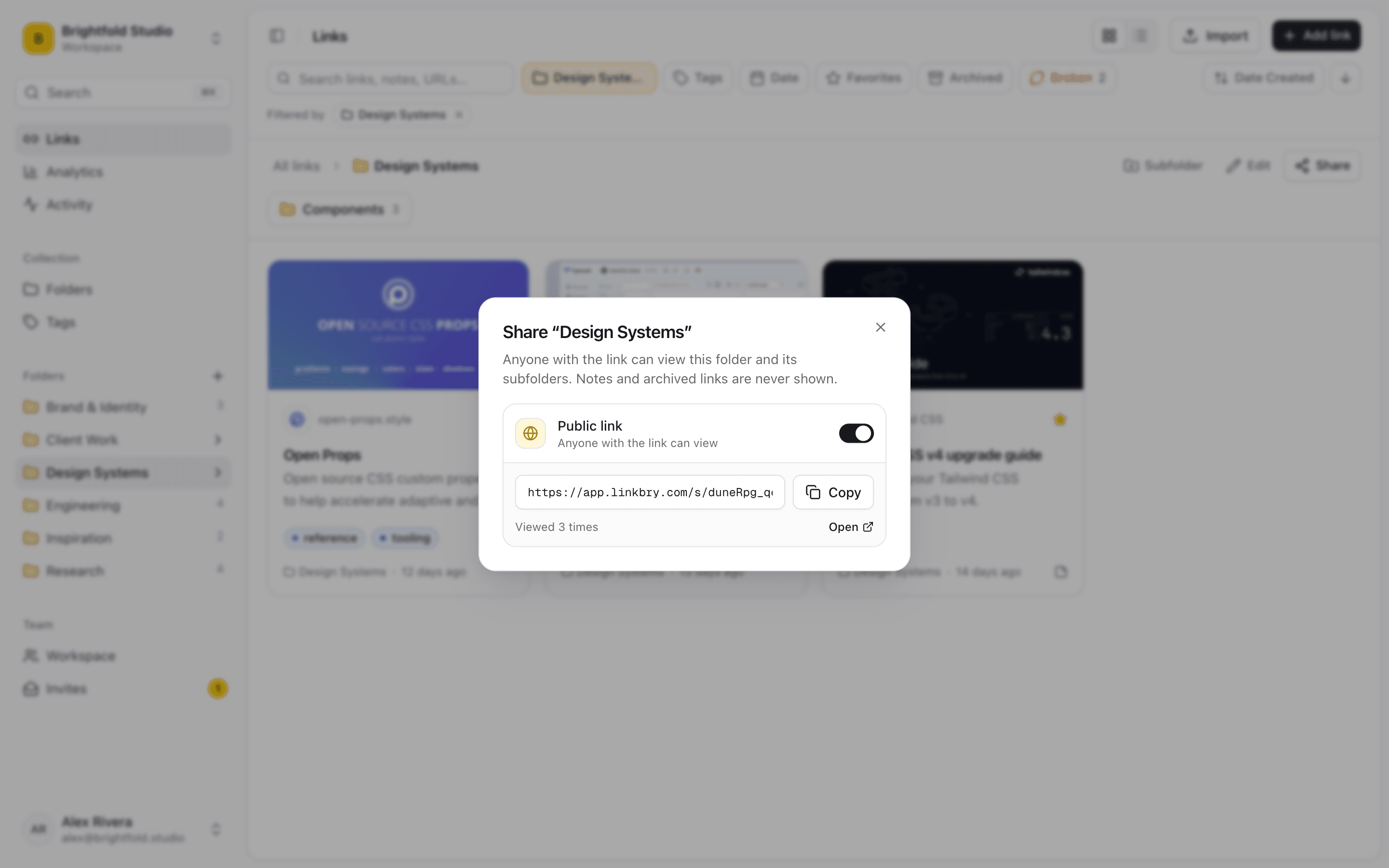
Publish a folder, subfolders included, as a read-only page with your program’s name, description, logo and accent colour. Partners open it without an account and search it. Upload images and files as stored copies — logos, banners, product shots — and link to everything else. On Pro, hide the “Made with Linkbry” footer and serve the page on your own domain, set up with our help, or embed it in your partner portal.
Control who sees what
Add a password to tier-specific pages and an expiry date to campaign pages. Turn a page off at any time. Notes, archived links and private links never appear, so internal comments on an asset stay internal. A signed-in partner can copy a folder into their own Linkbry workspace — useful for agencies managing many programs, though a copy won’t receive your later updates.
Not affiliate software
Linkbry doesn’t generate tracking links, attribute referrals, calculate commissions or pay partners. Keep your affiliate platform for all of that and use Linkbry as the resource center and link library around it. (Linkbry’s own referral program is unrelated to this — it’s for Linkbry signups.)
Pricing
The people who maintain the resources are $10 a month each on Pro, or $100 a year. Shared pages have no per-viewer cost, so a thousand affiliates opening the page cost nothing extra.
A starter workspace for a partner program
Publish the partner-facing folders on their own; keep internal folders as siblings.
| Folder | What goes in it | Who sees it |
|---|---|---|
| Resource center | Brand guidelines, logos, banners, product images, landing pages, tracking how-to | All partners, via a branded page |
| Onboarding | Program terms, platform sign-in, content rules, first-month checklist | New partners, via a branded page |
| Campaigns / Holiday | Promo calendar, codes, seasonal creatives | Partners, via a page that expires after the campaign |
| Top partners | Early access material, co-marketing opportunities | Top-tier partners, via a password-protected page |
| Program ops | Dashboards, applications, partner sites, compliance reviews | The partner team (restricted folder) |
Frequently asked questions
Brand guidelines and logos, ready-made creatives, the landing pages you want promoted, how to build tracking links, program terms and content rules, current promotions and codes, and a contact. Linkbry keeps each in a folder and publishes them as one page.
No. Shared pages open for anyone with the link and, if you set one, the password.
Yes. Upload images and files as stored copies alongside links. Pro includes 20 GB of storage per workspace, up to 100 MB per file.
No. It doesn’t track referrals, attribute sales or pay commissions. It organizes and shares the resources partners need, next to the platform that does.
Start organizing your links today
Free forever for one person. No credit card needed.