Linkbry vs Chrome bookmarks
Chrome bookmarks are free, fast and built in for one person, but you can't share a folder, so every teammate keeps a private, slightly different copy of the same links.
The short version
Keep Chrome bookmarks for your personal shortcuts. Use Linkbry for the links your team shares (tools, dashboards, docs, client links), so there's one live copy everyone can search, with roles controlling who can edit it.
| Feature | Linkbry | Chrome bookmarks |
|---|---|---|
| Price | Free up to 100 links; $10/editor/month, viewers free | Free |
| Share a folder with your team | Yes: one shared workspace | No (export a copy, or admin-managed bookmarks) |
| Roles | Owner, editor, viewer | None |
| Share a folder with anyone (read-only link) | Yes: public folder pages | No |
| Folders | Nested folders, plus tags | Nested folders |
| Tags and notes | Multiple tags and a note per link | No |
| Search | Title, URL, description and note | Title and URL |
| Insert a saved link into any text box | Yes: type ;; (Chrome extension) | No |
| See which links get used | Yes: team click analytics | No |
| Broken-link detection | Yes: automatic background checks | No |
| Import / export | Import Chrome's HTML export (folders kept); export HTML or CSV | HTML import and export |
Chrome bookmarks details from its own pricing and documentation pages; prices in USD and subject to change.
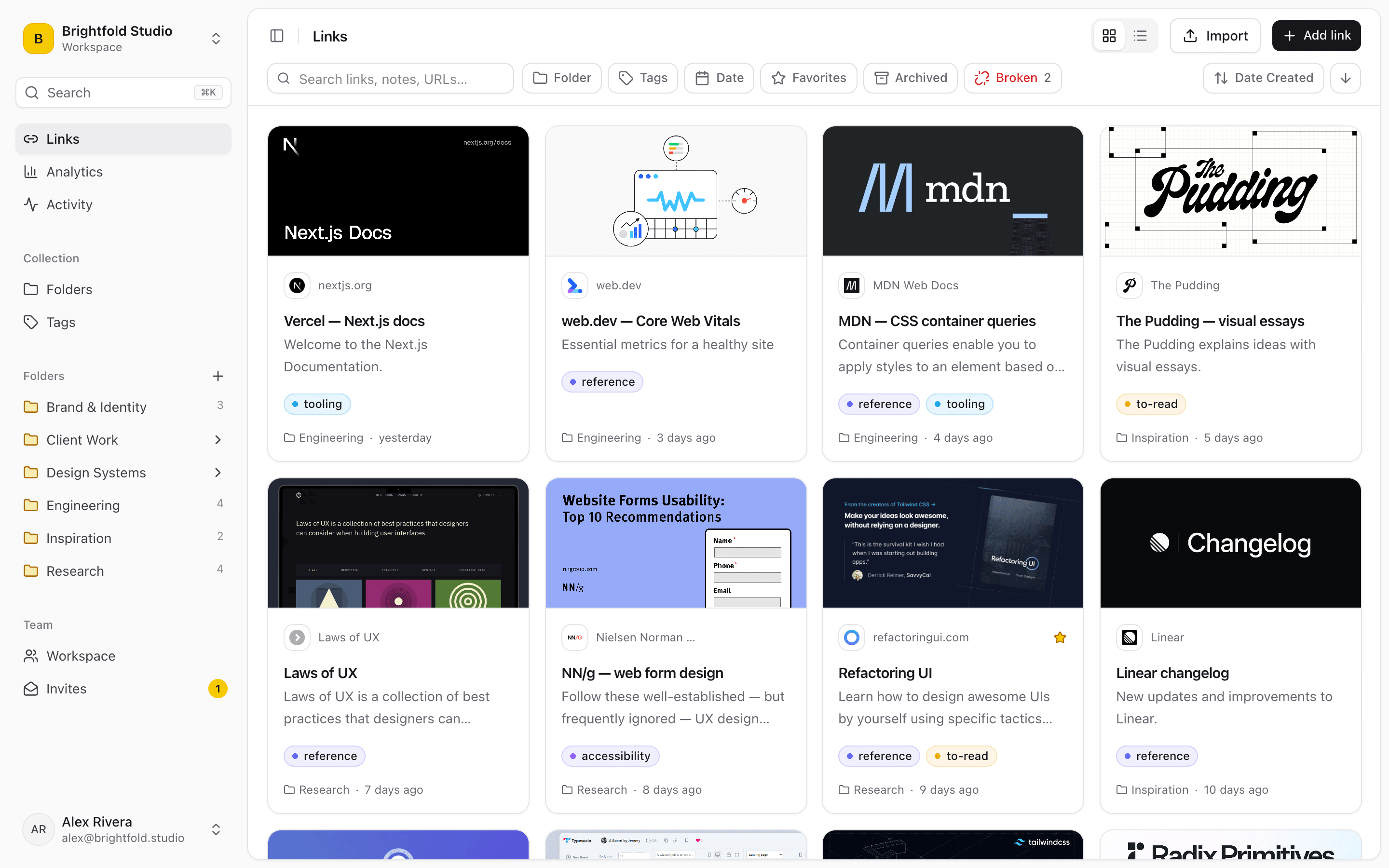
Where browser bookmarks run out for a team
Nothing here is a criticism of Chrome: bookmarks were designed as a personal shortcut bar, not a shared library. The limits only bite once links need to reach other people.
- No way to share a folder; sync only shares with your own devices
- Every teammate keeps their own copy, and the copies drift
- No tags, and no note on why a link matters
- New hires start with an empty bar and a Slack search
- No sense of which links the team actually opens
What a shared library adds
Linkbry keeps the one-click save that makes bookmarks work and adds the part a team needs: one copy of every link, visible to everyone on the workspace.
- One shared workspace with owner, editor and viewer roles
- Viewers are free and unlimited, so you pay only for editors
- Import your Chrome bookmarks with folders intact
- Nested folders, multiple tags and a note on every link
- Search across titles, URLs, descriptions and notes
- Publish any folder as a read-only link for people outside the team
- Type ;; in Slack, Gmail or Notion to insert any saved link
- Analytics on which links teammates actually open
Where Chrome bookmarks are still better
For personal shortcuts, Chrome wins: it's free, needs no account beyond your Google sign-in, and lives right in the browser. Linkbry works best alongside it: import the work bookmarks your team shares, and keep personal shortcuts in Chrome.
Give your team one place for shared links
Free for one person with up to 100 links, and viewers are free on Pro.