Send the shortlist as one link — and keep every recruiting link in one place
Recruiters move links all day: candidate profiles, portfolios and code samples, job descriptions, scorecards, interview kits, the careers page, salary benchmarks and a stack of sourcing tools. Linkbry keeps them organized per role and per client, and turns a shortlist into a single, password-protected page a hiring manager can open without logging into anything.
Last updated
In short
Use Linkbry alongside your ATS: a folder per open role for candidate profiles and portfolios, a library of job descriptions, interview kits and sourcing tools, and shortlists shared with hiring managers as password-protected pages that expire when the role closes. Your private notes about candidates never appear on a shared page.
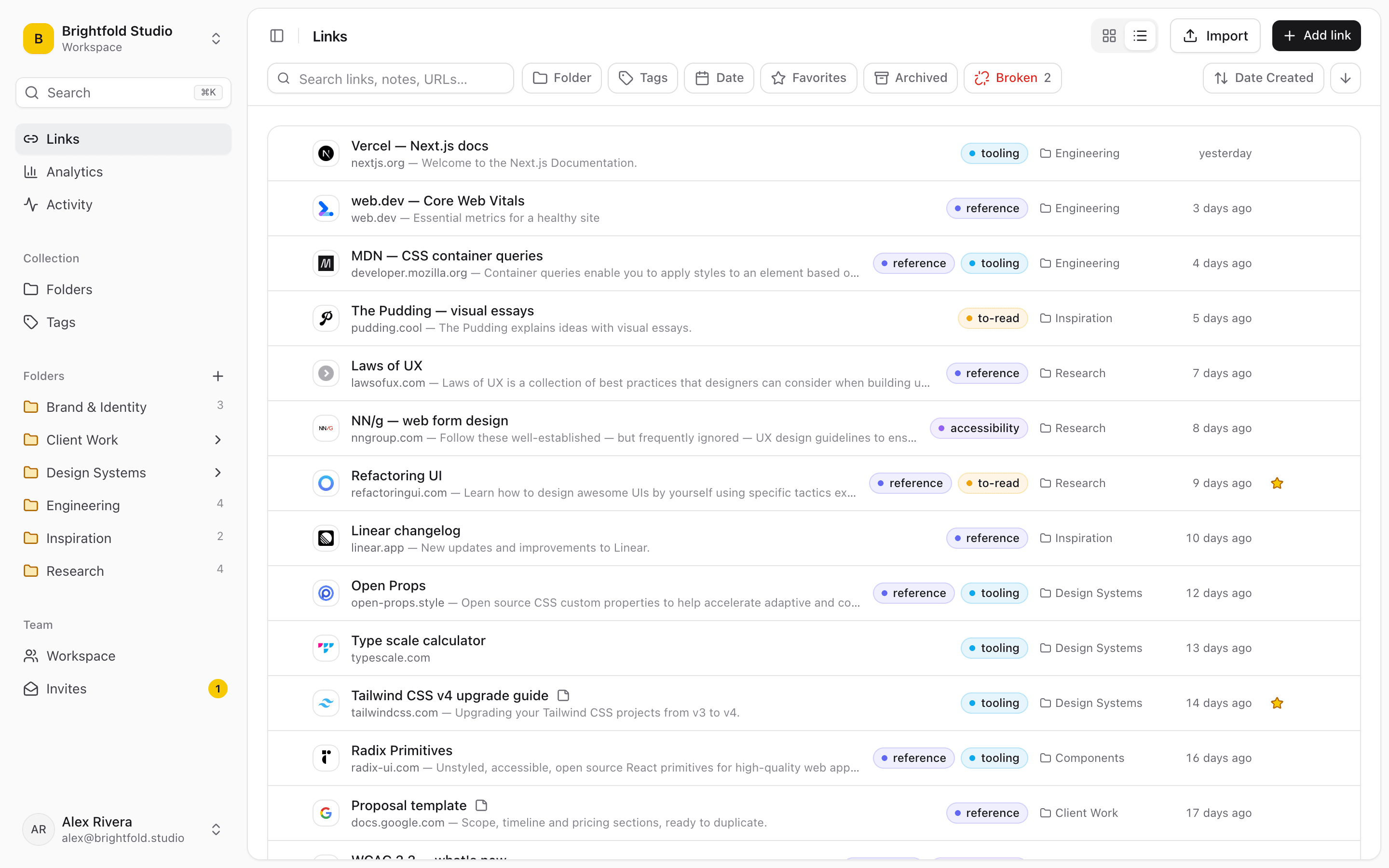
What recruiters use Linkbry for
Candidate shortlists for hiring managers
Save each candidate’s profile, portfolio or code sample into the role’s shortlist folder with a one-line summary as the description, then send the hiring manager one page. Set a password and an expiry date for when the role closes.
A page per client role
Agency recruiters keep a folder per client and role, and give each client contact their own branded shortlist page — no more stitching profile links into an email.
Interview kits
The job description, scorecard, question bank, take-home brief and interview schedule for each role in one folder. Interviewers join as free viewers and find their kit in seconds.
Candidate packets
A branded page for candidates with the company overview, team pages, benefits, interview preparation and directions, sent with every interview invitation.
A sourcing toolkit
Boolean search guides, sourcing tools, communities, job boards and salary benchmarks, tagged by role family and region, shared across the recruiting team.
Outreach snippets
Save outreach, follow-up, scheduling and rejection messages as snippets and insert them — with the right careers or role link — into any message box in the browser by typing ;;.
Recruiting runs on links
The ATS holds the pipeline, but the working material of recruiting is links — and most of it never makes it into the ATS.
- Profiles and portfolios pasted into emails to hiring managers
- Interview kits spread across a doc, a spreadsheet and a calendar invite
- Job descriptions in several versions across teams
- Sourcing tools and searches that live in one recruiter’s bookmarks
Share a candidate shortlist without a login
Each saved link has two text fields that matter here. The description is visible on a shared page, so use it for the summary a hiring manager should read: “8 yrs product design, fintech, strong systems work.” The note is internal and never appears on a shared page, so it’s where your own impressions and next steps go. Share the role’s shortlist folder, add a password, set it to expire when the role is filled, and check share stats to see whether the hiring manager has opened the profiles.
Handle candidate information carefully
Treat shortlists as the sensitive material they are. Password-protect shared pages and give them an expiry date, or turn sharing off as soon as a decision is made. Inside the workspace, owners can restrict a folder to the people working a role, and individual links can be kept private. Linkbry isn’t an ATS or a system of record for candidate data — keep what you store to the links you need and follow your company’s data policies.
Pricing for recruiting teams
Recruiters who add and organize links are $10 a month each on Pro, or $100 a year. Hiring managers and interviewers you invite as viewers are free. A solo recruiter can start on the Free plan, with 100 links and shared pages included.
When Linkbry isn’t the right fit
Linkbry doesn’t track candidates through stages, schedule interviews, send emails for you or integrate with LinkedIn or an ATS. Use it next to those tools for the links they don’t organize well.
A starter workspace for recruiters
Share a role’s shortlist folder on its own, and keep interview kits in a sibling folder.
| Folder | What goes in it | Who sees it |
|---|---|---|
| Roles / Senior designer / Shortlist | Profiles and portfolios, a one-line summary on each | The hiring manager, via a password-protected page that expires |
| Roles / Senior designer / Interview kit | Job description, scorecard, questions, take-home brief | The interview panel, as viewers |
| Candidate packet | About us, team pages, benefits, interview prep, directions | Candidates, via a branded page |
| Sourcing | Boolean guides, tools, communities, job boards, salary benchmarks | The recruiting team |
| Snippets | Outreach, follow-up, scheduling and rejection messages | The recruiting team |
Frequently asked questions
Save each candidate’s profile or portfolio link into a shortlist folder with a short summary as its description, then share the folder as a read-only page. The hiring manager opens it without an account; add a password and an expiry date to keep it contained.
Not on a shared page — notes, archived links and private links are never shown. If you invite hiring managers into the workspace as viewers, they’re members and can see notes on the links they have access to, so keep sensitive notes in restricted folders or share a page instead.
No. It doesn’t track pipelines, stages or candidate communication. It organizes and shares the links around hiring — shortlists, interview kits, job descriptions and sourcing tools — next to whatever ATS you use.
No. Invite them as viewers — free and unlimited on Pro — and they can browse and search every folder they have access to, and insert links with the Chrome extension.
The Chrome extension’s ;; picker works in text boxes in the browser, including webmail and messaging sites, and inserts a saved link or snippet where you’re typing. There’s no direct LinkedIn or ATS integration.
Start organizing your links today
Free forever for one person. No credit card needed.