// Use case

Stop losing the answer that finally worked

Developers save dozens of documentation pages, GitHub repos, API references and debugging threads every week โ€” and then rediscover the same answer three months later via the same search. Linkbry gives you a folder per project and per stack, so the right link is where you'd expect it.

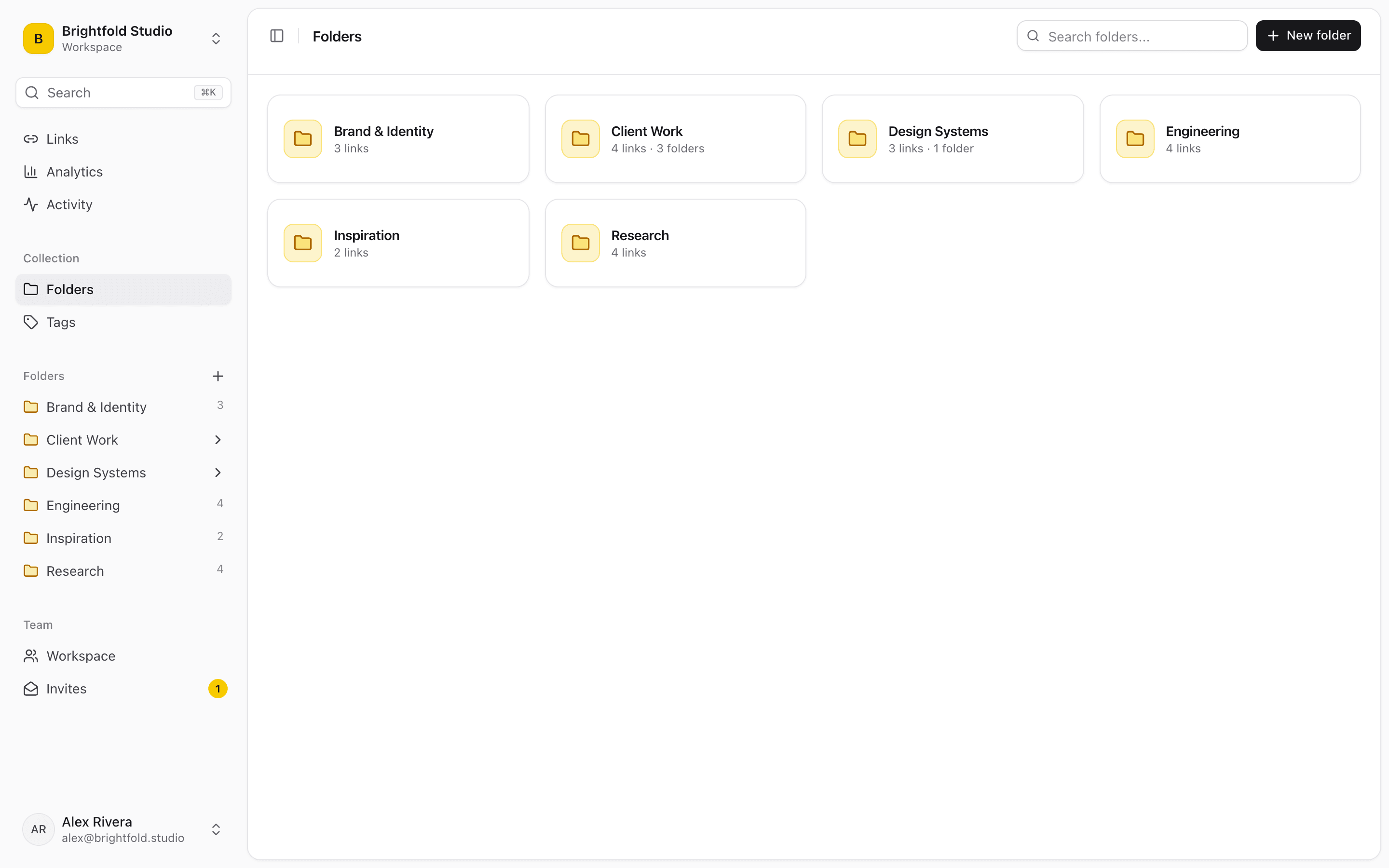
Linkbry folders, with one folder per project and technology stack.

A folder per project, per stack, per client

Flat bookmark bars stop working the moment you're on more than one codebase. A nested tree lets you keep a project's deploy runbook, its API docs and its open questions together, and keep them apart from the next project's.

  • Separate folders per project, stack or client
  • Save GitHub repos, docs and threads without leaving the browser
  • Tag by language, framework or the problem you were solving
  • Share a resource bundle with your team as one public link
  • Import your existing bookmarks in under a minute

Notes are the part you'll thank yourself for

The URL is rarely the useful bit โ€” the useful bit is why you saved it. Annotate a link with the specific gotcha it solved, and full-text search will surface it from that note months later, even when you have forgotten the page title entirely.

Insert without a context switch

The Chrome extension's picker drops a saved link straight into a pull-request description, a ticket or a chat message from the keyboard. No tab switch, no hunting for the tab you left it in.

โ€œI had a folder called 'Misc' with 400 links. After Linkbry, I actually know where everything is. The Chrome extension alone saves me 10 minutes a day.โ€
Marcus T.
Senior Backend Engineer ยท Austin, TX

Start organizing your links today

Free forever for individuals. No credit card required.