Every spec, dashboard and research link for your product, in one place
A product manager is the switchboard for a team’s links: the PRD, the design file, the epic, three dashboards, user-research recordings, competitor changelogs and the launch doc. Linkbry keeps them in one shared library per product area, so engineering, design, sales and leadership can find the current version without asking you.
Last updated
In short
Use Linkbry as the link hub for a product team: a folder per product area and initiative, go links like go/roadmap, competitor and research libraries with notes, and read-only pages or embeds for stakeholders. Engineers, designers and executives can be free viewers; the PMs who curate are $10 a month.
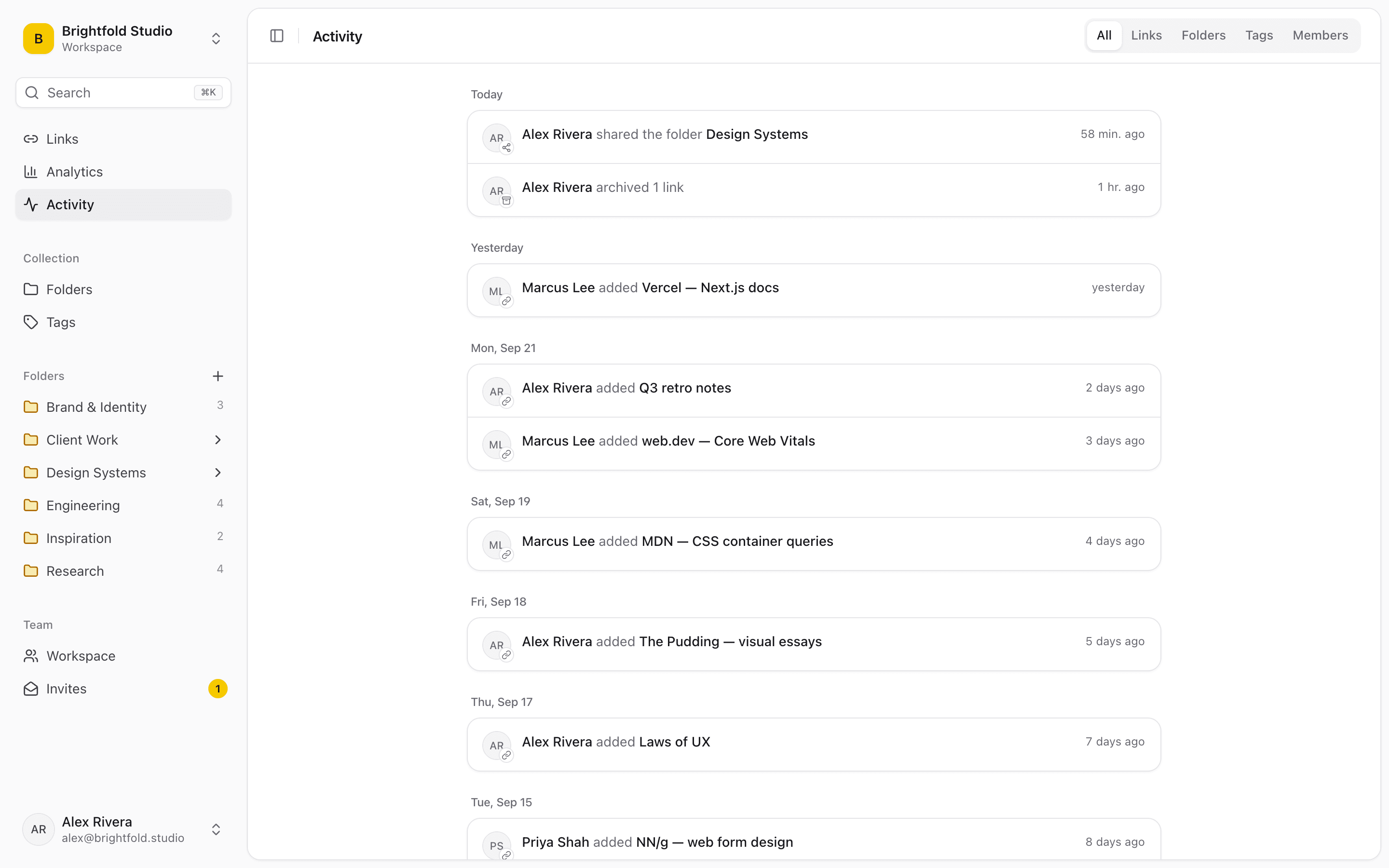
What product managers use Linkbry for
A hub per initiative
Spec, designs, epic, analytics, research and launch plan in one folder — shared with stakeholders as a read-only page, or embedded at the top of the Notion doc.
Go links for the team
go/roadmap, go/metrics, go/launch, go/feedback: aliases that open from the address bar with the extension, and keep working when the underlying doc moves.
Competitive intelligence
Competitor pricing pages, changelogs, help centres and reviews, one folder per competitor, with a note on what changed. The link checker flags pages that break or redirect.
Product and customer research
Interview recordings, synthesis docs, survey results and feedback boards, tagged by theme — so the next spec cites evidence instead of a hunch.
Stakeholder updates
Type ;; in the update you’re writing to insert the right dashboard, spec or demo link without leaving the page.
Onboarding a new PM or engineer
A checklist folder with the product’s key specs, dashboards, architecture docs and customer calls, with progress visible to you.
Link requests
Anyone can ask the library for a link — “where’s the pricing experiment readout?” — and the answer is saved for the next person who asks.
Dashboards everyone can find
Every metrics, experiment and health dashboard in one folder, with workspace analytics showing which ones people actually open.
The PM link problem
Product work is spread across a dozen tools by design. The cost is that everyone asks the PM where things are.
- Specs in the doc tool, designs in the design tool, tickets in the tracker
- Dashboards that exist but nobody outside data knows about
- Research recordings no one can find when writing the next spec
- “Can you resend the link?” in every stakeholder thread
A hub per initiative — shared or embedded
Create a folder for each initiative and add links as the work produces them. Stakeholders can be free viewers who browse and search everything, or you can publish the folder as a read-only page and paste its embed into the Notion page or intranet where people already look. Either way, one link replaces a paragraph of links in every update.
Competitive intelligence that stays current
Give each competitor page an owner and a review interval, and Linkbry shows it as needing review when it’s due. Notes record what you learned; the readable text of saved pages is searchable, so “who mentions usage-based pricing?” finds the pages that do.
Work with your AI assistant
Connect Claude or another MCP client to Linkbry and ask it to find the latest spec, list what’s in a folder or save links it found into the right place. It works with your role in each workspace and can’t delete anything.
Pricing
PMs and anyone else who curates the library are $10 a month each, or $100 a year. Engineers, designers, sales and leadership can be free, unlimited viewers.
When Linkbry isn’t the right fit
Linkbry isn’t a roadmap, ticketing or documentation tool, and it doesn’t integrate natively with Jira or your analytics stack. It’s the organized layer of links across them.
A starter workspace for a product team
| Folder | What goes in it | Who sees it |
|---|---|---|
| Product area / Checkout | Specs, designs, epics, dashboards, architecture docs | The product team |
| Initiatives / Q4 pricing | Spec, research, experiment results, launch plan | Stakeholders, via a shared page or embed |
| Competitors | Pricing pages, changelogs, reviews — a subfolder per competitor | Product, sales and marketing |
| Research | Interview recordings, survey results, synthesis docs | Product and design |
| Dashboards | Metrics, experiments and health dashboards, with go links | Everyone (viewers are free) |
Frequently asked questions
Typically a roadmap or tracker, a doc tool, a design tool and an analytics tool — plus somewhere to keep the links between all of them. Linkbry is that last piece: a shared, searchable library with go links and shareable pages.
Short aliases for saved links, like go/roadmap. With the Linkbry extension, type go, a space and the alias in the address bar; you can also open app.linkbry.com/go/alias when signed in.
Yes. Share the folder, copy its embed URL and paste it into a Notion Embed block. The list updates when the folder changes.
Not natively. The Chrome extension’s ;; picker inserts saved links into Jira tickets and any other text box in the browser.
No. Invite them as viewers — free and unlimited on Pro — or share a single folder as a page they can open without an account.
Start organizing your links today
Free forever for one person. No credit card needed.