Deal research for the team, and one resource page for every founder
Venture and angel investors handle a steady flow of links: company sites and decks, data rooms, market maps, research reports, reference calls and, after the investment, the resources founders keep asking for. Linkbry keeps deal research organized per company and stage for the team, and turns portfolio support into a page founders can open any time.
Last updated
In short
Use Linkbry to keep deal-flow research in folders per company, with notes and tags for sector and stage, restricted to the people on each deal; build a thesis library of market maps and reports; and share a password-protected portfolio resource page of perks, templates, service providers and hiring guides. It isn’t a CRM or a data room — it organizes the links to them.
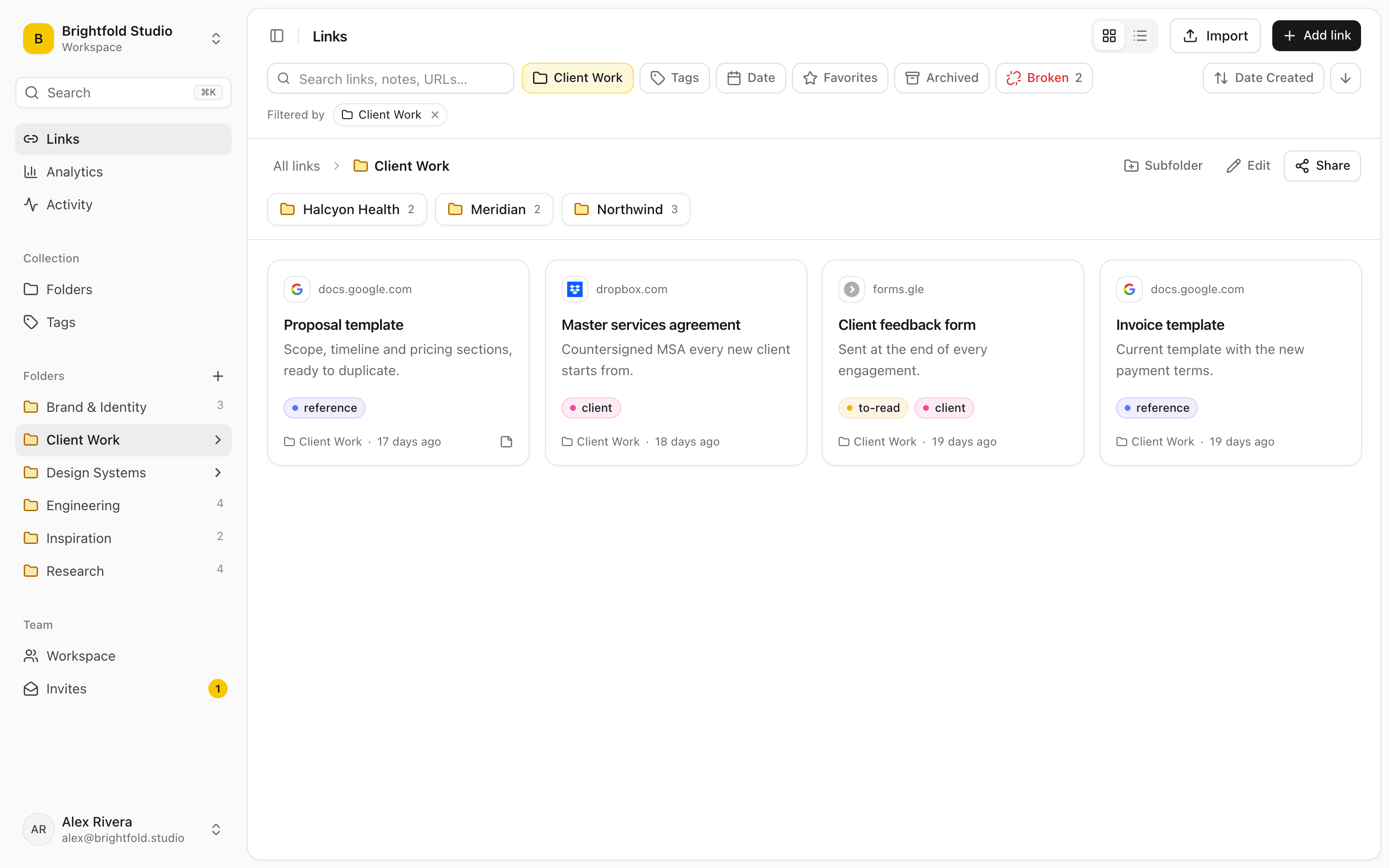
What investors use Linkbry for
Deal research per company
Site, deck, data room, competitor pages, customer reviews and reference-call notes in the company’s folder, with a note on each link and tags for sector and stage.
A thesis and market-map library
Reports, market maps, articles and datasets by sector, searchable by your notes and the page text — the research you want at hand when a similar company appears.
A portfolio resource page
Perks, template board decks and investor updates, recommended lawyers and accountants, hiring guides and the fund’s events on one password-protected, branded page for founders.
Founder onboarding after the round
A post-investment page with reporting expectations, the update template, key contacts and the resources founders need in the first quarter.
LP resources
Fund reports, letters and portfolio highlights as links on a password-protected page — the documents stay where they are, access stays controlled.
Restricted deal folders
Owners restrict a deal’s folder to the partners working it, so confidential material doesn’t turn up in anyone else’s search.
Where deal links end up
Investing is research-heavy, and most of that research is links scattered across inboxes and tabs.
- Deck and data-room links buried in intro emails
- Market research in one partner’s bookmarks
- Portfolio perks and templates re-sent to every new founder
- Reference-call notes disconnected from the company they’re about
Portfolio support founders will actually use
Publish a portfolio resources folder as a read-only page with the fund’s name, logo and colour, protected by a password you share with founders. Update it once and every founder sees the current version; share stats show which resources get used. A founder with a Linkbry account can copy the folder into their own workspace.
Confidential by default
Restrict each deal folder to named members, keep sensitive links private, and remember that shared pages never show notes, archived or private links. Owners can export the audit log. On Pro, single sign-on over OpenID Connect is available.
Pricing
Partners and associates who curate are $10 a month each on Pro, or $100 a year; venture partners and scouts who only read can be free viewers. Founders and LPs opening shared pages cost nothing.
When Linkbry isn’t the right fit
Linkbry isn’t a deal-flow CRM, a data room or a portfolio-monitoring tool. It doesn’t track relationships, pipeline stages or company metrics. It’s the organized library of links around those tools.
A starter workspace for a fund
| Folder | What goes in it | Who sees it |
|---|---|---|
| Deals / Company | Site, deck, data room, competitors, reviews, reference notes | The deal team (restricted folder) |
| Thesis / Sector | Market maps, reports, articles, datasets | The whole team |
| Portfolio resources | Perks, templates, service providers, hiring guides, events | Founders, via a password-protected page |
| Post-investment | Reporting expectations, update template, contacts | New portfolio founders, via a page |
| LP resources | Fund reports, letters, portfolio highlights | LPs, via a password-protected page |
Frequently asked questions
No. It doesn’t host documents with per-viewer permissions or watermarks. It organizes the links to your data rooms and documents, and shares curated pages of links.
Yes. Share the folder as a page; founders open it with the link and the password you set.
Yes. Workspace owners can restrict a folder to named members; others can’t see it in search, the picker, exports or go links.
Start organizing your links today
Free forever for one person. No credit card needed.