Every source, sponsor and show-notes link — ready before you hit publish
YouTubers, podcasters, newsletter writers and bloggers are link-heavy by trade: research for the script, sources to cite, tools you mention, sponsor links and codes, and the links promised “in the description”. Linkbry collects them as you work, keeps them per episode, video or issue, and turns any of those folders into one clean page your audience can open.
Last updated
In short
Use Linkbry to collect research and resources in one click while you work, organize them per video, episode or issue, insert them into descriptions, show notes and newsletters with ;;, and publish a “links from this episode” page to put in the description. Your editor or researcher can work from the same library on Pro.
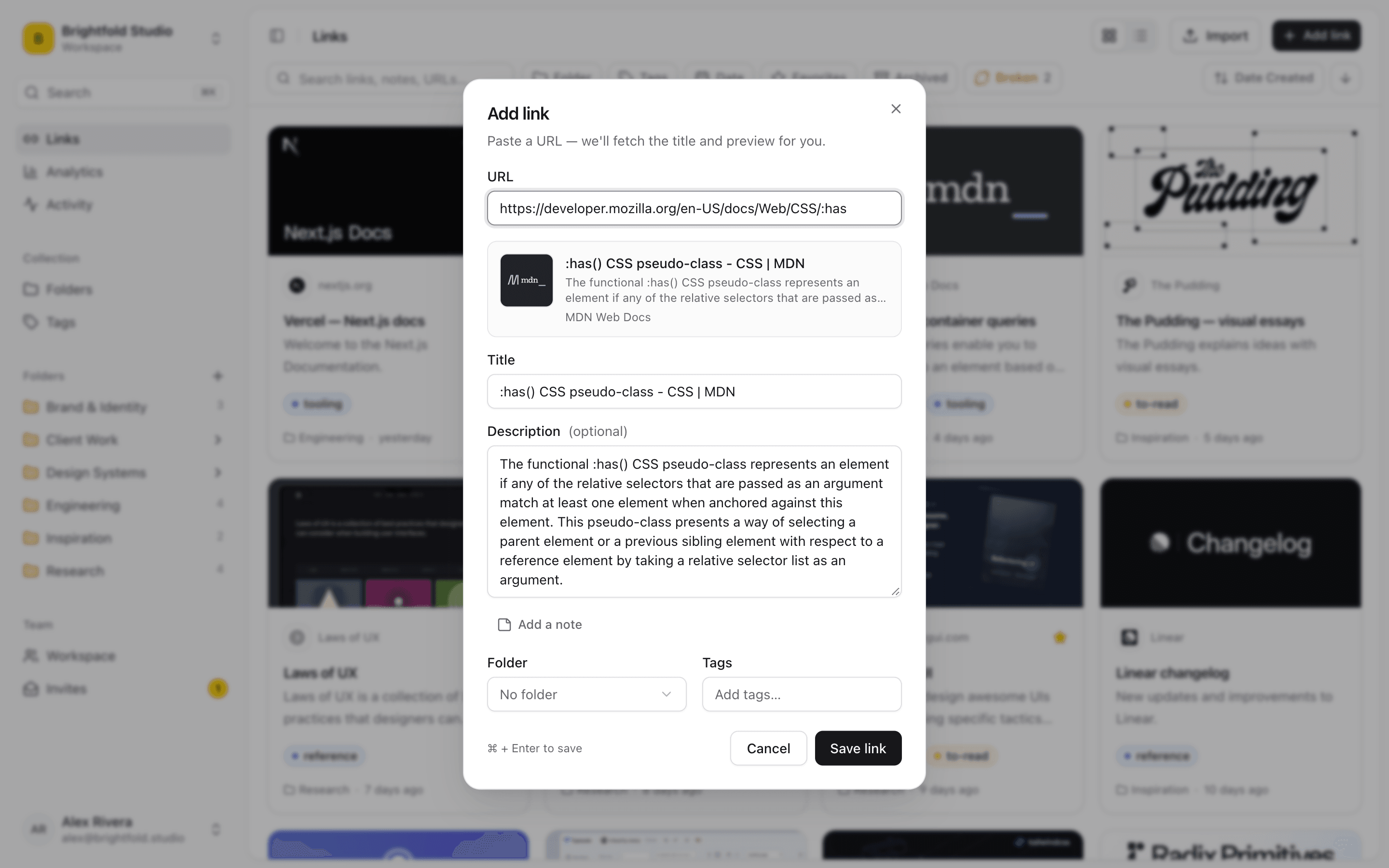
What creators use Linkbry for
Research for scripts and episodes
Save sources from the browser in one click, keep the quote you need as a highlight, and file them in the episode’s folder. Search finds them later by your notes or the page’s text.
Show notes and description links
Publish the episode or video folder as a page — “Everything mentioned in episode 42” — and put that one link in the description or show notes. Add a link later and the page updates.
Newsletter curation
Collect links all week with the extension, tag them “next issue”, save that as a view, and insert each one into your newsletter editor with ;; when you write.
Sponsors
Briefs, talking points, tracking links, codes and deliverables per sponsor, with a review date for when a campaign ends. Share a password-protected page of past sponsor work with prospective sponsors.
Your gear and resources page
“My setup”, “Tools I use”, “Start here” — curated pages you link from your channel, bio or about page, with clicks per link.
Working with a team
Editors, researchers and producers share the library on Pro. Restricted folders keep sponsor terms to the people who need them.
Where creator links get lost
Making content means collecting links constantly, in whatever app is open.
- Research tabs closed before the script was written
- Sources in a notes app that doesn’t know which episode they belong to
- “Link in the description” promises that never get kept
- Sponsor codes and tracking links buried in email
- A resources page on your site that’s a year out of date
One link for everything mentioned
A shared folder is a tidy, searchable page with preview images, grouped by subfolder, with your title, logo and colour. It opens without an account, shows views and clicks per link, and can be embedded on your website. Build one per episode or video, or one evergreen page per topic.
Save it while you’re researching
The Chrome extension saves the page you’re on with a folder and tags, saves any link on a page with a right-click, and can keep the selected text as the description or as a highlight. Screenshots and images can be saved as stored copies. Linkbry also captures the readable text of saved web pages, so search reaches inside articles you saved months ago.
Pricing
Free is one person with 100 links and shared pages. Pro is $10 a month or $100 a year per editor, with no link limit, more storage, the footer hidden on shared pages and the option to invite your team.
When Linkbry isn’t the right fit
Linkbry isn’t a link-in-bio builder, a scheduler or a newsletter platform, and it doesn’t track affiliate sales. There are no native mobile apps; saving works from desktop Chrome, the bookmarklet, or the web app’s share target on Android.
A starter library for a creator
| Folder | What goes in it | Who sees it |
|---|---|---|
| Episodes / 042 — Topic | Research, sources, highlights, tools mentioned | Your audience, via a shared “links from this episode” page |
| Ideas | Articles, videos and threads for future topics, tagged by theme | You and your team |
| Newsletter / Next issue | Links collected during the week | You and your team |
| Sponsors | Briefs, talking points, tracking links, codes, deliverables | You and your producer (restricted folder) |
| My setup | Gear, software and resources you recommend | Your audience, via a shared page |
Frequently asked questions
Save them into a folder for that episode and share the folder as a page. Put that single link in the description or show notes; anything you add to the folder later appears on the page.
Yes. Every shared folder has an embed code for pages that accept iframes, and an embed URL for Notion.
Linkbry is a web app and a Chrome extension; there are no native apps. On Android you can install the web app and share links to it; on iPhone, use the web app or save from your computer.
Yes, on Pro: invite them as an editor ($10 a month) or a free viewer.
Start organizing your links today
Free forever for one person. No credit card needed.