A press kit that stays current, and every piece of coverage in one place
PR and communications teams send the same links under deadline pressure: the logo pack, executive headshots, the fact sheet, the boilerplate, the latest announcement. Then they collect coverage links from a dozen outlets for the report. Linkbry gives you a digital press kit as one branded page, and a shared library where every mention is saved, tagged and ready to report on.
Last updated
In short
Publish your press kit from a Linkbry folder — logos and photos as uploaded files, fact sheet, bios, recent news and a contact — as a branded page journalists open without an account. Password-protect launch kits until the embargo lifts. Save coverage in one click, tag it by outlet and campaign, and export the library as CSV for reporting.
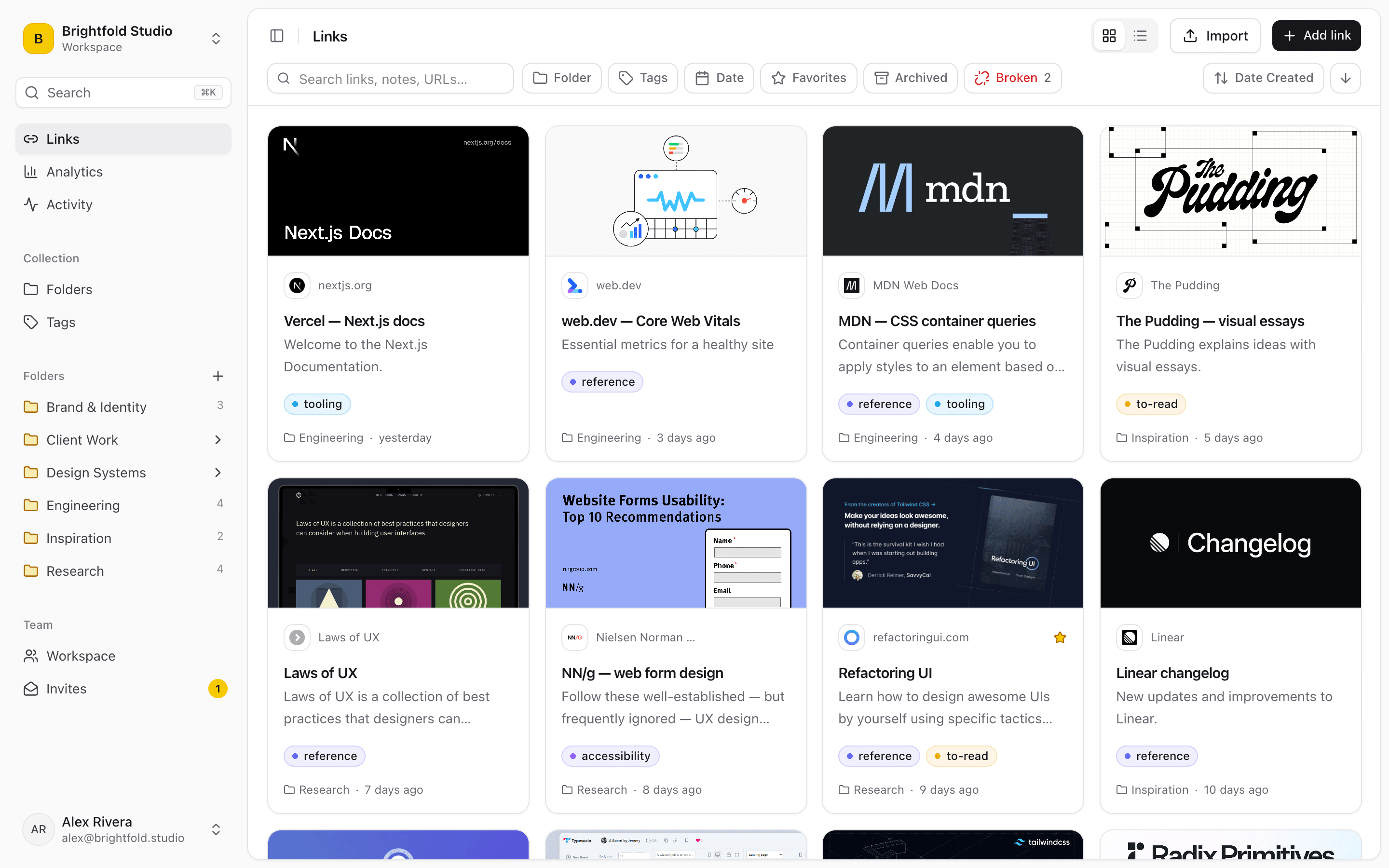
What PR and comms teams use Linkbry for
A digital press kit
Logo files, product and executive photos, the fact sheet, bios, boilerplate and recent announcements on one branded page — embedded on your press page or sent as a link.
Launch and announcement kits
A kit per announcement with the release, images and briefing material, password-protected for journalists under embargo. Remove the password when it lifts.
A coverage library
Save every article, podcast and mention with the extension, tag it by outlet, campaign and tone, and filter by tag when it’s time for the monthly report.
Outlet and beat research
The outlets, sections and past articles you pitch against, tagged by beat, with notes on angle and timing.
Approved messaging
Boilerplate, holding statements and standard answers as snippets, inserted into emails with ;; so every reply uses the approved wording.
Internal comms
Company news, policy pages and all-hands recordings in one place the whole company can open as free viewers.
Why press kits go out of date
A press kit is usually a zip file or a folder link, and both are frozen the moment they’re sent.
- Zip files with last year’s logo
- Drive folders journalists can’t open without an access request
- A press page on the website that needs a developer to update
- Coverage tracked in a spreadsheet pasted together at month end
A press page journalists can use
Publish a folder as a read-only page with your company’s name, description, logo and colour. Upload the files journalists need as stored copies (up to 100 MB each on Pro) and link to everything else. The page has a search box, opens without an account, and shows views and clicks per item. Embed it on your website’s press page so updating the folder updates the site.
Coverage you can report on
Save coverage in one click from the browser, keeping the key quote as the description or a highlight. Tags do the reporting work — outlet, tier, campaign, spokesperson — and a CSV export of the library (with folder paths and tags) drops straight into a report spreadsheet. The broken-link checker flags articles that are taken down or moved.
Pricing
People who maintain the kit and the coverage library are $10 a month each on Pro. The rest of the company can be free viewers, and journalists opening a shared page cost nothing.
When Linkbry isn’t the right fit
Linkbry isn’t a media database, a distribution service or a media-monitoring tool: it won’t find coverage for you or send releases. It organizes and shares what your team collects.
A starter workspace for a PR team
| Folder | What goes in it | Who sees it |
|---|---|---|
| Press kit | Logos, photos, fact sheet, bios, boilerplate, recent news, contact | Journalists, via a branded page embedded on your press page |
| Launches / Product X | Release, images, briefing doc, spokesperson availability | Journalists under embargo, via a password-protected page |
| Coverage | Articles and mentions tagged by outlet, campaign and tone | Comms and leadership |
| Outlets & beats | Outlet sections and past articles, with notes on angles | The PR team |
| Messaging | Boilerplate, holding statements, standard answers as snippets | The PR team |
Frequently asked questions
Logos in the main formats, product and executive photos, a fact sheet, short bios, the company boilerplate, recent announcements and a press contact. In Linkbry each goes in a folder, published as one page.
No. A shared page opens for anyone with the link, or with the link and password if you set one.
Yes. Copy the embed code from the share dialog into your press page, or link to the page directly.
No. It doesn’t monitor the web. Your team saves coverage as it finds it, in one click, and Linkbry organizes it and exports it as CSV.
Start organizing your links today
Free forever for one person. No credit card needed.